Windows 10 & 11 · 64-bit

The world's lightest
desktop renderer.

Atmosphere renders HTML, CSS, and JS widgets directly onto your Windows desktop — transparently, beautifully, and at near-zero overhead.

Download for Windows — Free
v1.1.1 65 MB · Browse widgets →

Where does it go? The System Tray.

Atmosphere does not run as a normal window. Instead, it lives silently in your System Tray (the small icons in the bottom-right of your Windows taskbar, near the clock). Click the ^ arrow down there to find the ✦ Atmosphere icon to manage your widgets!
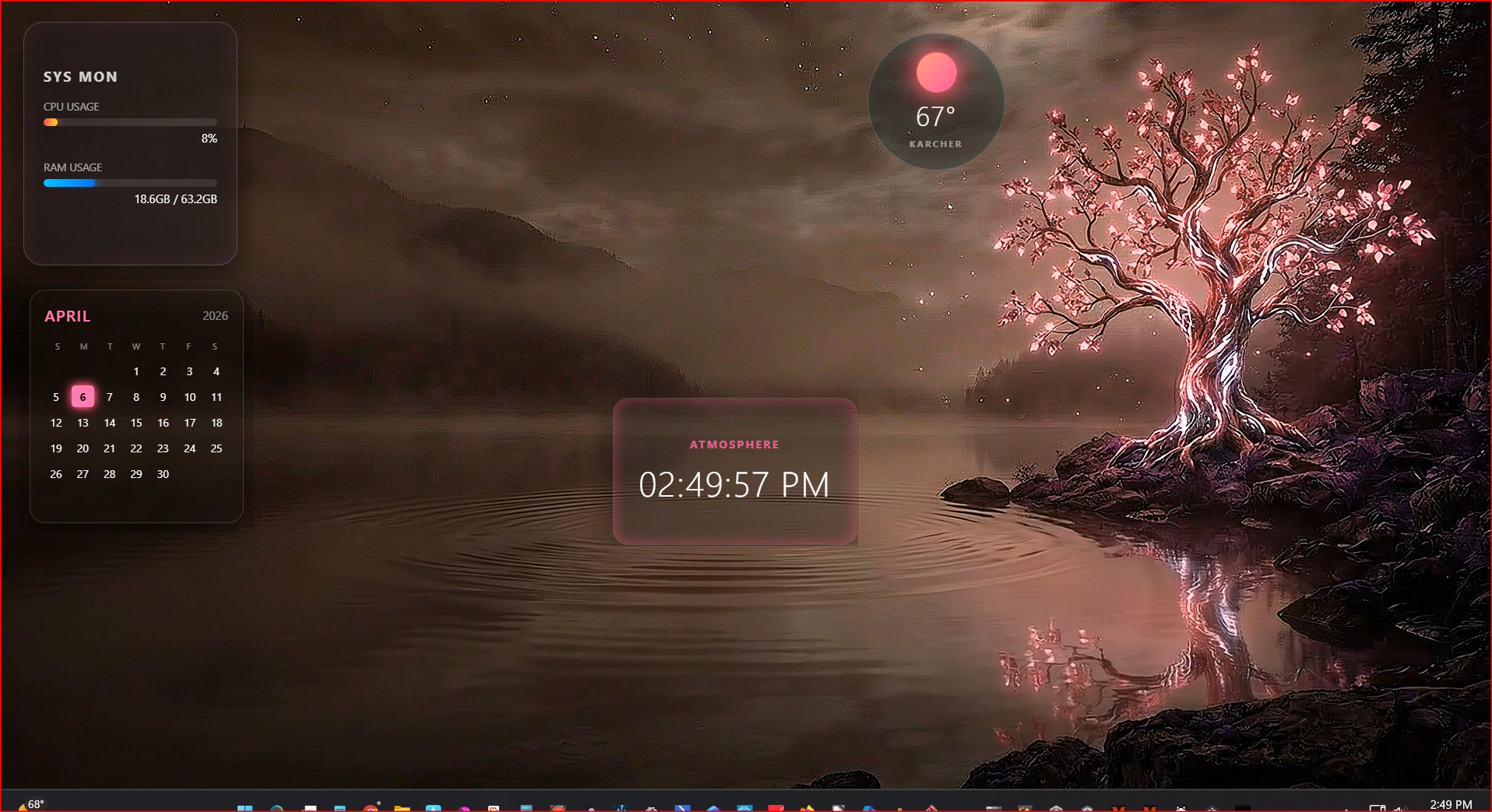
Atmosphere Desktop Preview
What you get instantly out of the box

Everything you need for the perfect desktop.

🪟

Transparent Windows

Widgets render directly on your desktop layer with full OS-level transparency. No overlays, no frames.

📦

One-Click Install

Drop any .atmo file onto your desktop or use the system tray installer. Widgets appear instantly.

🛡️

Secure Sandbox

Every widget runs in an isolated Chromium context. No widget accesses files or network without permission.

Near-Zero Overhead

Idle engine uses under 10 MB RAM and 0% CPU. Resources only consumed when a widget is actively rendering.

🎛️

Live Customizer

Right-click any widget to adjust color hue, opacity, and lock position — all in real time.

🔗

Widget Synergy

Widgets communicate via the Atmosphere bridge. Terminal Watchdog alerts your pet. Weather feeds your clock.

Free vs PRO

Start free. Unlock everything when you're ready.

Feature Free PRO
Install & run free widgets
100+ free .atmo widgets
System tray & right-click customizer
Position & settings memory
PRO-exclusive premium widgets
Full desktop kit bundles
Live WebGL wallpapers
Creator Studio — publish widgets
Revenue share on your widgets
Price Free From $4.99
Download Free ✧ Get ✦ Credits